Library
Every model, as a picture.
Point Meshlook at the folders you already keep models in. It reads what is inside them and shows a grid you can scan, with the count and the size of every folder beside it.
A Graviro utility for macOS
Add the folders your STL, OBJ and 3MF files already live in. Meshlook draws a picture of every model, keeps your collections as real folders on disk, and gives 3MF files the same thumbnails in Finder.
Requires macOS 15.0 or later · No account required


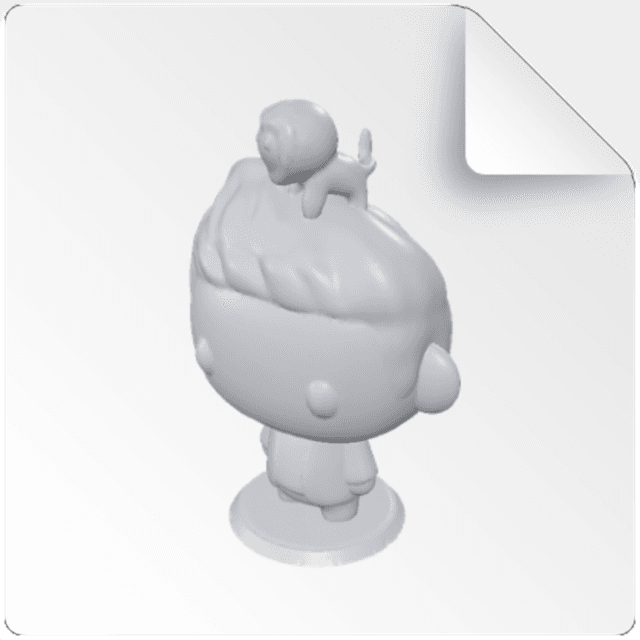
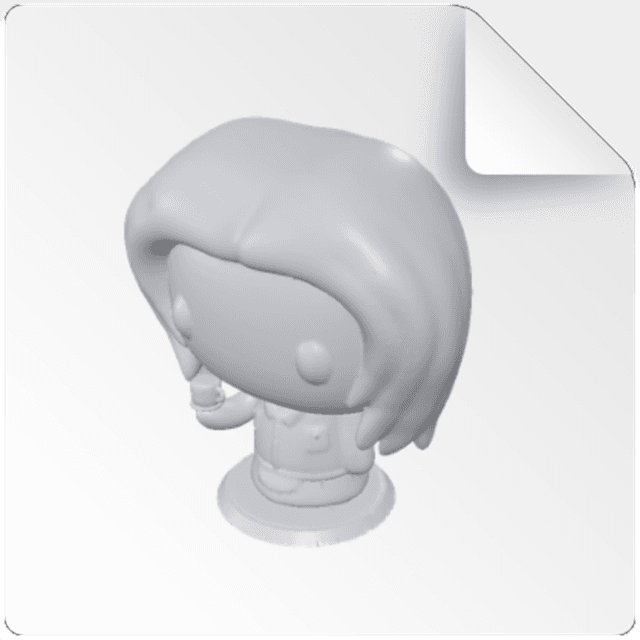
A folder of exports — every icon identical.
Meshlook is a window you open when you want one, and two Finder extensions that work whether you open it or not.
Library
Point Meshlook at the folders you already keep models in. It reads what is inside them and shows a grid you can scan, with the count and the size of every folder beside it.
Collections
Make one and it exists in Finder. Drag a model across and the file moves. Nothing is locked inside an app's database, and Undo covers everything Meshlook did.
Auto Organise
Meshlook reads what each file says about itself and, for the ones that say nothing, compares how they look with what is already filed. It runs on your Mac with Apple Intelligence, and nothing moves until you approve it.
Thumbnails
Icon, list, column and gallery views render the real mesh of each 3MF, so a folder of exports stops being a wall of identical file icons. Recent versions of macOS draw STL and OBJ themselves.
Quick Look
Select a 3MF, press space, and turn the part around before slicing — without launching a separate 3D app.
Private
Rendering and organising are local. The developer collects no data: no uploads, no telemetry, no account.
Supported formats
Who it's for
Find the right revision among forty exports at a glance.
Check an asset drop before it reaches the engine import step.
Confirm orientation and plate contents before slicing.
One purchase, Family Sharing for up to six people, nothing for IT to administer.
One purchase
Installs in under a minute and works with the folders you already have.
Thumbnails are generated once and cached by macOS. Large files render progressively, so scrolling stays smooth.
No. The Finder thumbnails and the Quick Look preview for 3MF come from system extensions that work with Meshlook closed. The library window is there for when you want to browse or organise.
Yes, including SMB shares, Dropbox and iCloud Drive once a file is downloaded locally.
It uses Apple Intelligence when your Mac has it, and the work happens on the device. Without it, Meshlook still groups models by how they look — and either way nothing is sent anywhere.
They are read, rendered and never written to or transmitted. Details are in the privacy policy.